Sharing & discovery
Mirrored uses Telegram deep links so any trader or full setup is one tap to mirror. The leaderboard, the bot's Share button, and per-trader follow links all produce the same kind of link.
The two link types
| Link | What it adds | Format |
|---|---|---|
| Follow | One trader. | ?start=follow_<address> |
| Setup | Every trader on someone's copy list, plus a preview of their sizing. | ?start=ct_<token> |
Both open the bot via https://t.me/<bot>?start=…. Your own copy rules always apply — incoming links never overwrite your sizing or risk settings.
Mirror from the leaderboard
The leaderboard at mirrored.trade/leaderboard ranks every Polymarket trader by realized PnL — filterable by category and time window. Every row has a Mirror button that produces a follow link for that wallet and opens Telegram. If you already have the bot, you land on the "add this trader?" preview; if not, Telegram offers to start the chat first and the link runs as soon as you do.
This is the easiest path for someone seeing Mirrored for the first time — no need to copy an address, no manual steps in the bot.
Sharing a single trader
Inside the bot, open any trader from 🪞 Copy Trade → 👥 Manage and tap 🔗 Share. You get the same follow link the leaderboard generates — paste it anywhere (Telegram chat, X, group DM) and recipients can mirror that wallet in one tap.
The link only adds the trader to the recipient's copy list. It doesn't share anything about your own settings, balance, or other traders.
Sharing your entire setup
From the Copy Trade dashboard, tap 🔗 Share at the top level (not inside a trader). The bot generates a setup link that bundles every wallet on your copy list. When someone opens it:
- They see a preview — every trader on your list, plus your size mode for context.
- They tap ✅ Add these traders and the whole list imports at once.
- If they were already mirroring some of those wallets, duplicates are skipped silently.
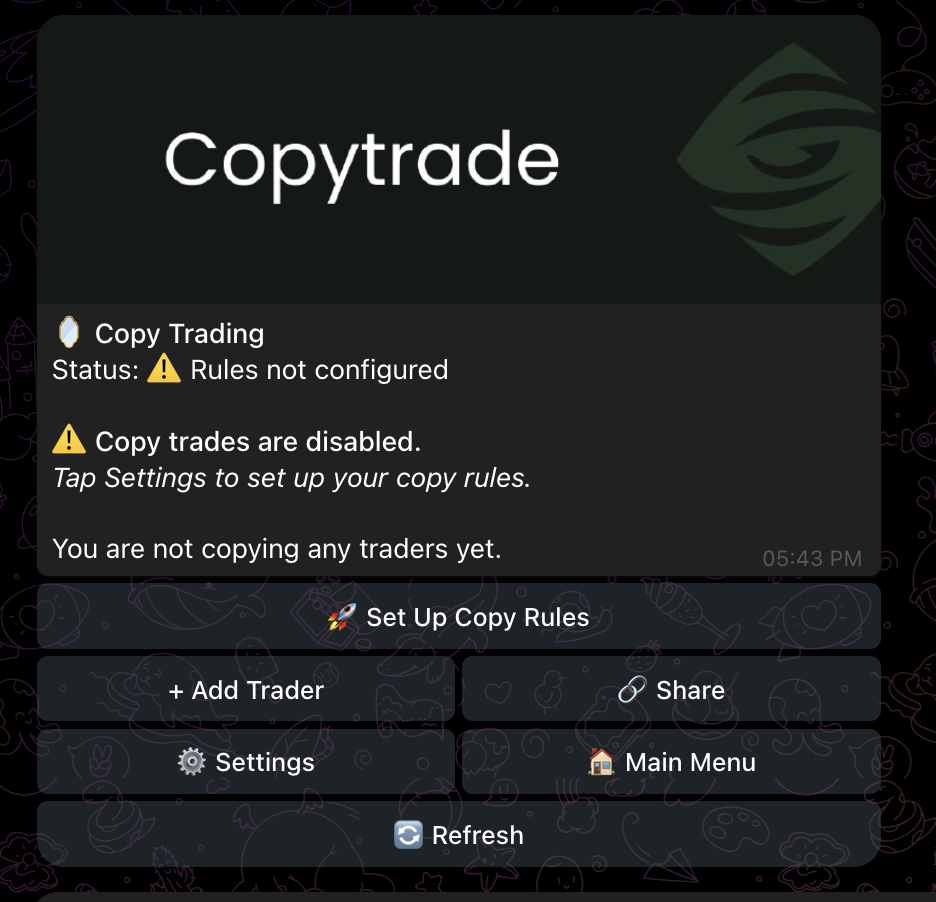
What recipients see
Both link types open a preview screen in the bot before anything is added — the trader address (and your size mode, for setup links) shown up front, with an explicit Add button. Nothing imports until they tap it.
Other discovery paths
- AutoPilot — four hand-curated lineups (10 wallets each) you can add with one tap. The fastest way to start if you don't have specific traders in mind.
- The Polymarket profile — every trader address in the bot is linked to their full Polymarket profile. Useful for sanity-checking who you're about to mirror before you tap Add.