AutoPilot
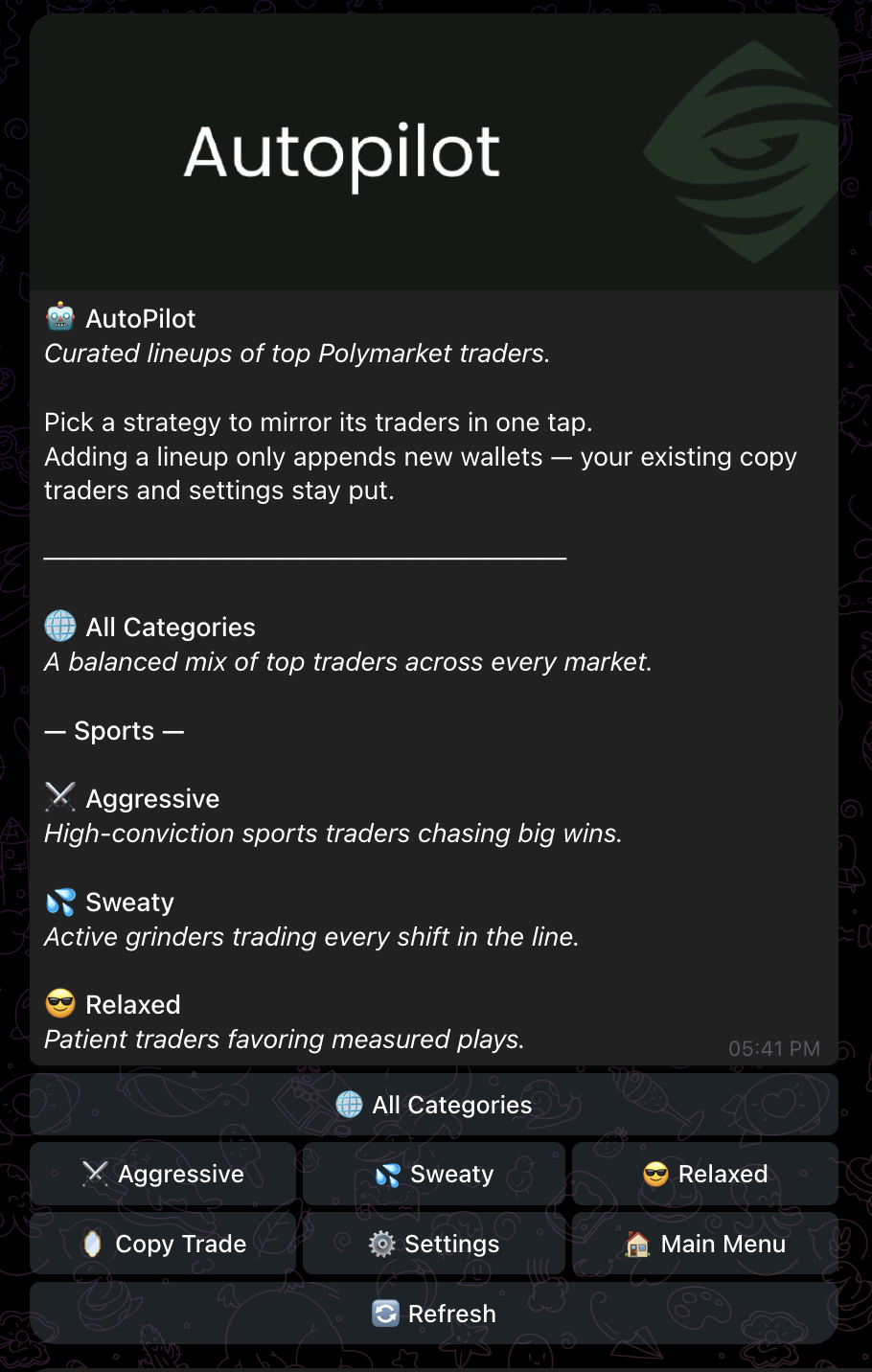
One tap, ten traders. AutoPilot lineups are hand-curated bundles of Polymarket wallets — pick a style, add the lineup to your copy list, and your sizing rules take it from there.
The four lineups
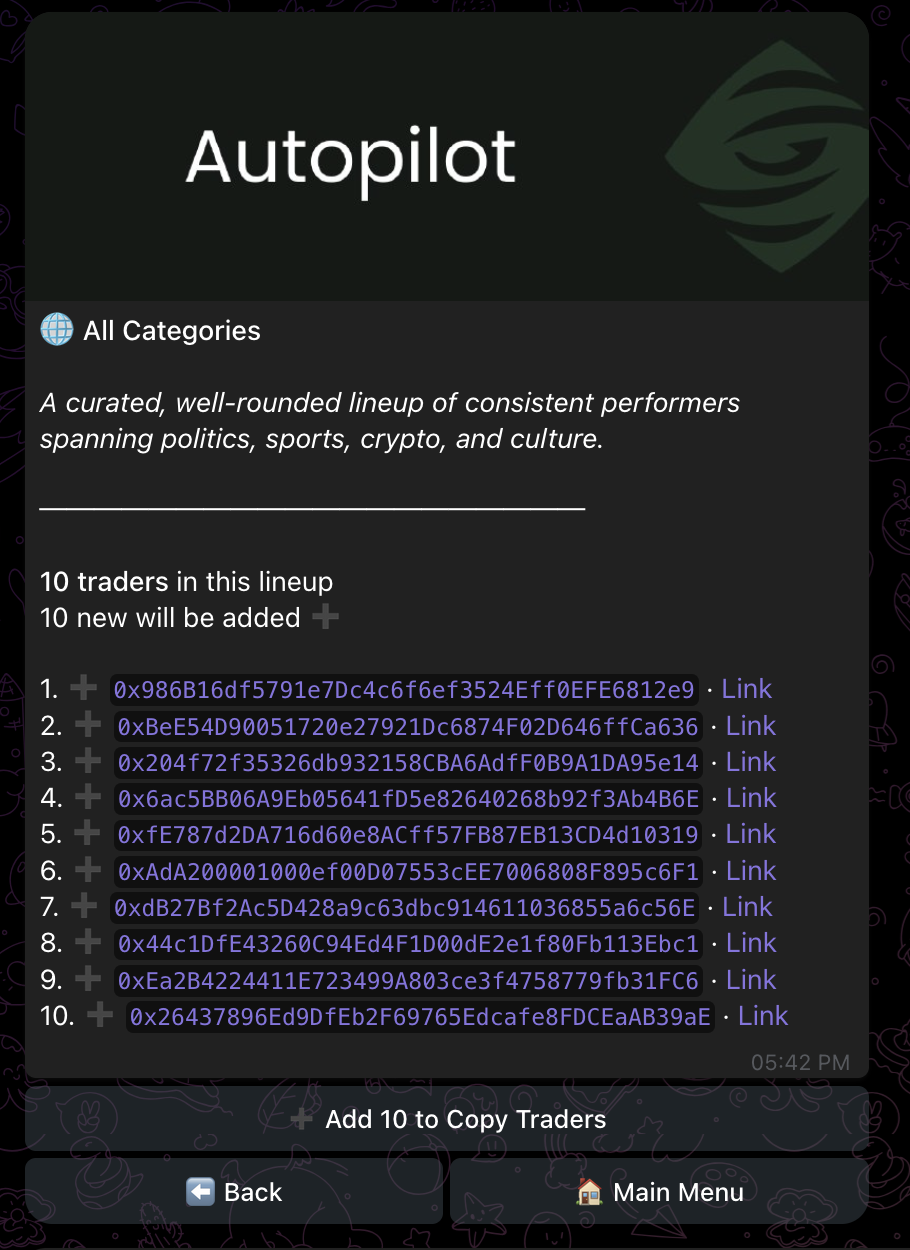
Each lineup contains 10 wallet addresses we've vetted for an edge in their lane.
| Lineup | Style | Fits if… |
|---|---|---|
| 🌐 All Categories | Balanced exposure across politics, sports, crypto, and culture markets. | you want a default, diversified copytrade setup across what Polymarket has to offer. |
| ⚔️ Aggressive | High-conviction sports traders, bold sizing. | you want bigger swings and don't mind volatility. |
| 💦 Sweaty | Active sport market scalpers — many trades per day, in-and-out. | you want frequent activity and don't mind a busy notification feed. |
| 😎 Relaxed | Patient, conviction-led sports traders — fewer trades, longer holds. | you want to set it and forget it. |
How to add a lineup
From the main menu, tap 🤖 AutoPilot, then pick a lineup. The detail view shows every trader in the bundle, marks the ones you're already mirroring with ✅, and lets you add the rest with one tap.
What happens after you add a lineup
AutoPilot just adds traders to your copy list. From that point on, every entry they make is mirrored according to your copy rules — same as if you'd added them manually. There's no separate "autopilot mode" with different sizing.
Already mirroring some traders from a previous lineup? Adding a new one only adds the wallets you don't have yet. Duplicates are skipped silently.
How lineups are curated
We pick traders based on multi-month realized PnL on the Polymarket leaderboard, category fit, and trade cadence (so the "Sweaty" lineup actually trades a lot). Lineups are reviewed and rotated periodically — we don't auto-rotate based on short-term performance.
Manual trading
Manual market browsing and one-off orders are coming soon. For now, the bot is purpose-built for copy trading — see Copy trading for adding individual wallets manually.